

2026 NVC App Help

What do you need help with?

Search for a task or choose a common question.

Choose a guide

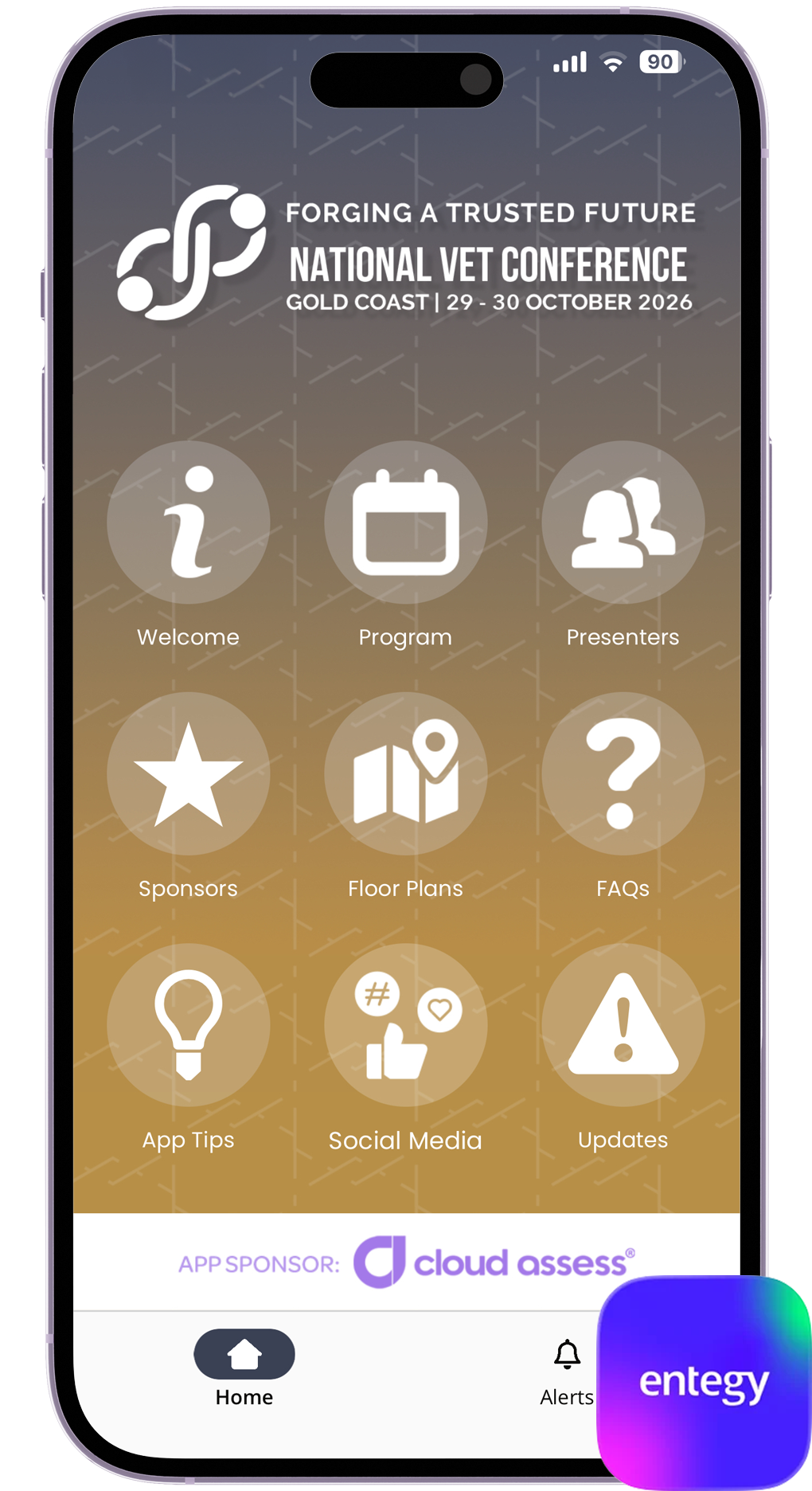
2026 NVC app home screen displayed on a phone

Start here

Download and open the 2026 NVC app

Setup and installation of the app can be completed in three easy steps

  1. 1

    Go to your device’s App Store and search for the Entegy Events app, and download and install the app to your device.

  2. 2

    Open the app, click the Tap to Launch button and enter the event code: 2026NVC and click submit.

  3. 3

    The #2026NVC app will then open and be ready to use.

Still stuck?

Get help from us!

Tell us where you are stuck and we will point you to the right answer.

Before the event: Reply to your attendee email with a short description of the problem.

At the conference: Visit the registration desk and show us the screen where you are stuck.

Helpful detail: Tell us whether you use an iPhone or Android phone.